Although I would love to have a literal darkroom the reality is we don’t have the room. So having successfully developed a film my next step is to digitalise the negative which means getting it on to the computer. Enter the world of the digital darkroom.
You can’t just use any flatbed scanner to scan the negatives. The negative has to be scanned with light behind it. A decent Photo scanner is expensive. So in true thrift mode I found a Hp Scanjet G2710 photo scanner, which has a TMA , a holder in the lid to scan two frames at a time.

However the scanner software won’t run on a ‘Modern ‘ Computer This is not a problem for someone who has an old computer collection. I decided on something with a little bit of style. The computer is the “Cube”, on the left in the photo below, an Apple Powermac G4 1.2Ghz with 1 Gb memory, cutting edge for 2001. The monitor is a 22″ Cinema Display

Launching the software for the scanner I am greeted with this screen showing me a preview of what is to be scanned. I can trim accordingly.

Once I’m happy with what is to be scanned I choose the image quality. I start with a 300dpi scan which is generally enough for evaluating a photo.
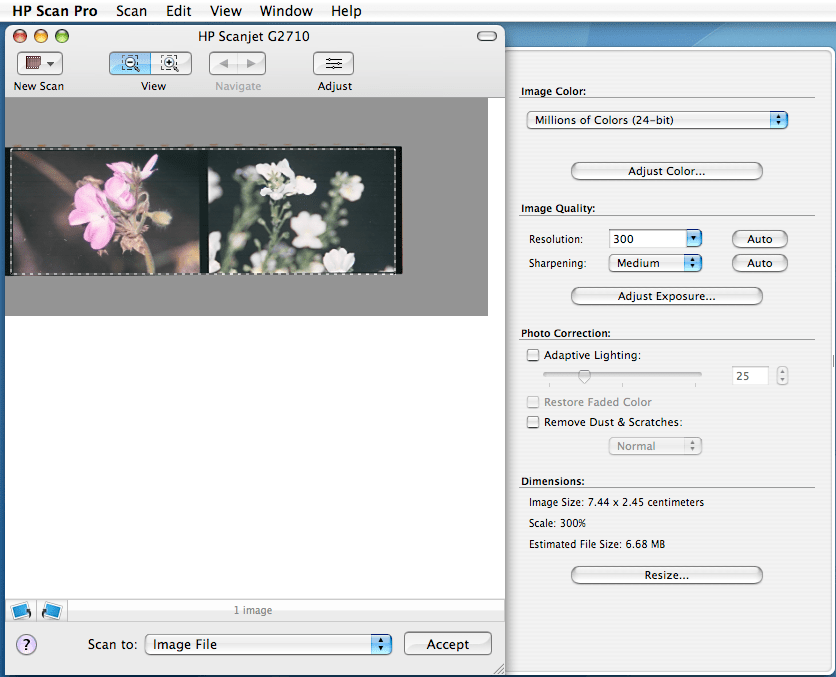
To keep things simple I choose jpg as the format.

The scanner then takes five minutes to perform the scan, and voila.
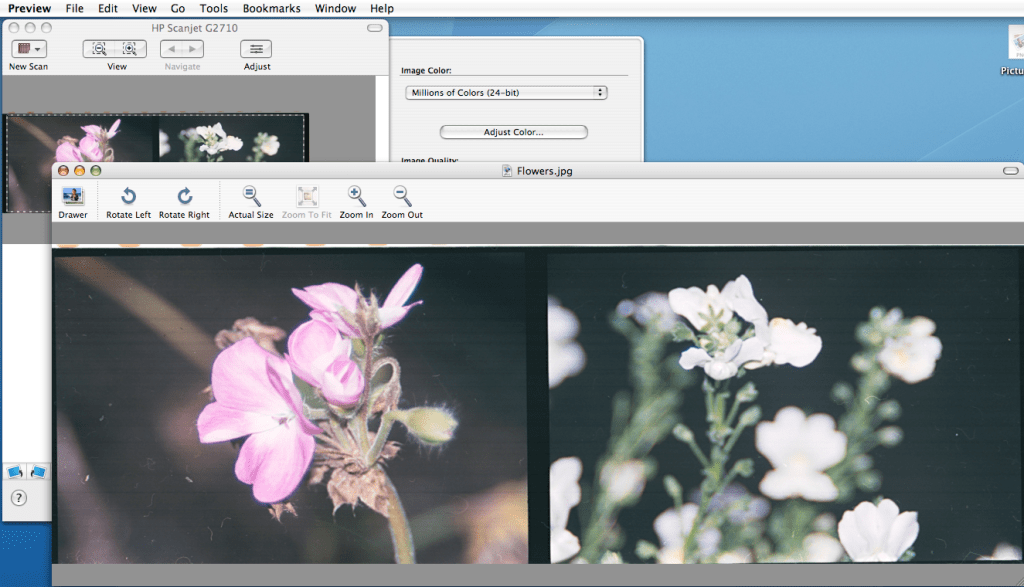
However hard I try, dust is an inherent problem when handling a negative. So the next step is to remove this by using my photo editor. So in keeping with the retro theme I use Adobe Creative Suite 2 circa 2005

It may be 14years old but it has the tool I need for removing dust, the spot healing brush tool.

I don’t like to do too much post processing so after tweaking the levels and a little sharpening I’m done.

There is another option involving a digital camera and an iPad but more about that another time.
 arhphotographic