The question isn’t an enquiry into your well being but rather a question related to the appearance of the colour white in your photo’s. Let me explain.
I’ve been revisiting some of the controls on my digital camera to better understand them. One control that I seldom change from its default setting of Auto is the White Balance option. The purpose of the White Balance setting is to make sure that the colour white appears white regardless of the existing light conditions. So lets test this out then.

Sure enough, the camera’s auto white balance has indeed done a good job of keeping the white wall in the background white-ish. And in doing so, all the other colours in the photo are as accurate as I remember when taking it.
But there are other settings, so lets go through them one at a time.

Cool, literally. This setting is called Incandescent and would normally be used when taking a photo in a room lit by light bulbs, which to the eyes appears orange. This option then tries to neutralise that orange by adding Blue so that the whites appear white. Why? That’s for another post regarding colour theory .
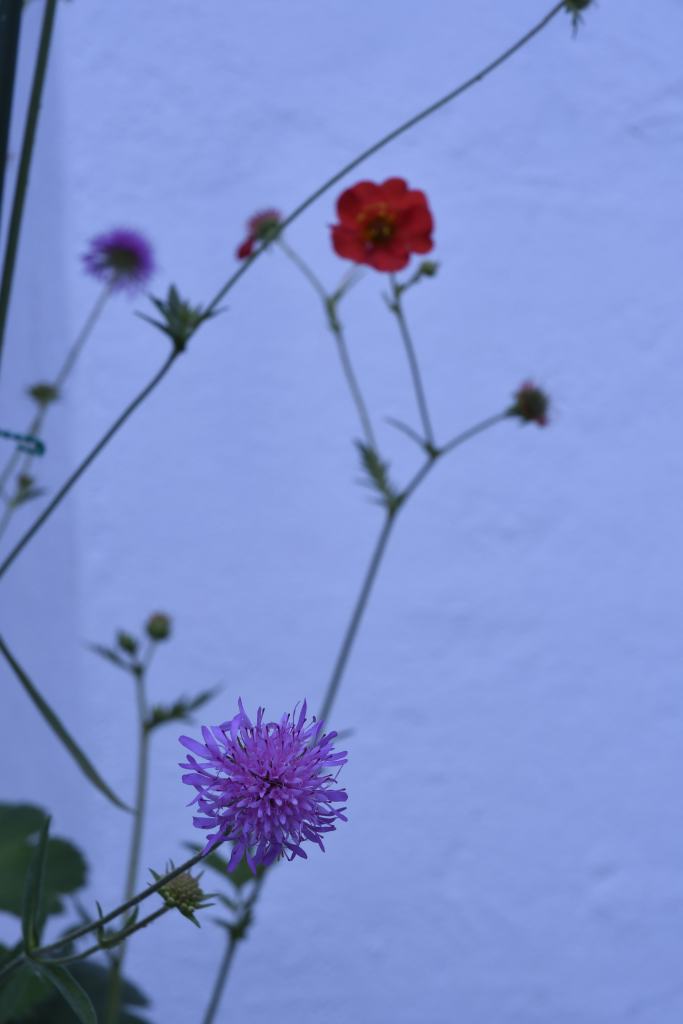
Next up is the Fluorescent setting. Not as blue as the previous photo, but again the objective is to make sure that the white wall stays white. If I were at an indoor sports event this would be a good setting to choose.

The Sunny setting is what would be used for when its…. well sunny! No colour to offset here as daylight appears white.

If I wanted to use flash for my photo then the White Balance to choose would be this setting, the Flash White Balance. Notice a slight orange tinge to the white wall in the background. Thats because this setting wants to neutralise the slightly blue cast that a flash would add if used.

The Cloudy setting that follows doesn’t appear to make much of a change so the white wall stays white.

Lastly the Shade setting appears to add a little orange. Once again it is trying to offset any change in colour so that our whites stay white.
So changing the White Balance setting on my camera can alter the “look” of the photo. Normally by leaving the White Balance on Auto, the camera would make the decision of which of these settings to use for any given photo I take. It usually does a good job most of the time. But how can I use this information to be a little more creative? Lets see.

The photo above was taken using the Auto White Balance. The photo appears cooler that it was, losing some of the orange from the sunrise
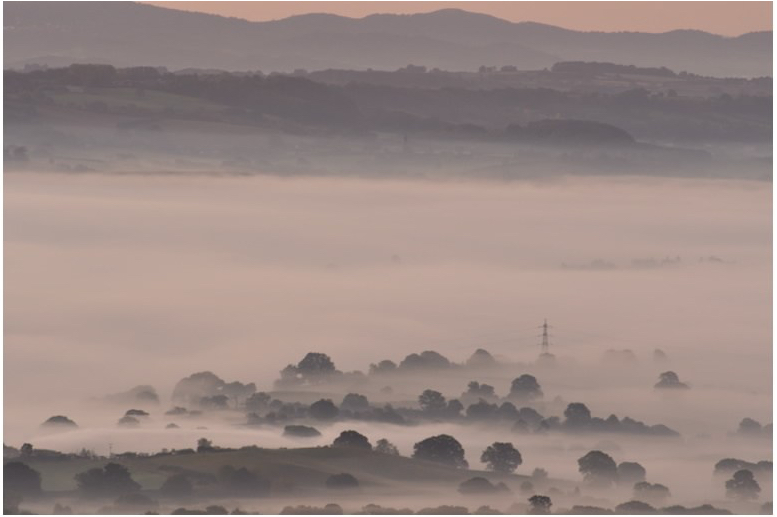
This is the same shot, but the White Balance has been set to cloudy to add an orange tint. This enhanced the orange that was already present.
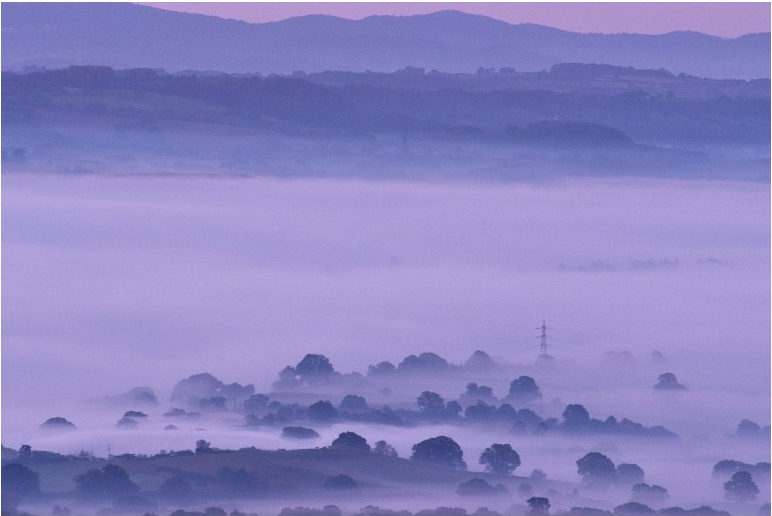
The Fluorescent setting has given this photo an ‘out of this world’ feel.
It is true that the same results can be acquired while at home on the computer. But I would rather be out taking photos. So anything that allows me to get the result I like and spend less time in front of the computer is a good thing.
 arhphotographic