
If you have a digital camera you will recognise the illustration above that may appear as a dial or in a menu on your camera. Scene, vari program or picture modes are pretty much the same thing. They are an easy way to set up our cameras for certain types of photography. I will be running through these programs, what they do and why they do it, one at a time.
So if your comfortable lets begin with….. Auto
As the name suggests we are effectively giving the camera the authority to make all the decisions about shutter speed and aperture. All we have to do is point, focus and press the shutter button. Most of the time this program does a good job. It would appear to know what we are pointing our camera at and making all the right decisions to get a good exposed photo.
To illustrate. Look at the picture below. I deliberately chose the wrong program which rendered the leaves dark against a bright background, a difficult situation to get right at the best of times.

However notice what a good job the Auto program has done.
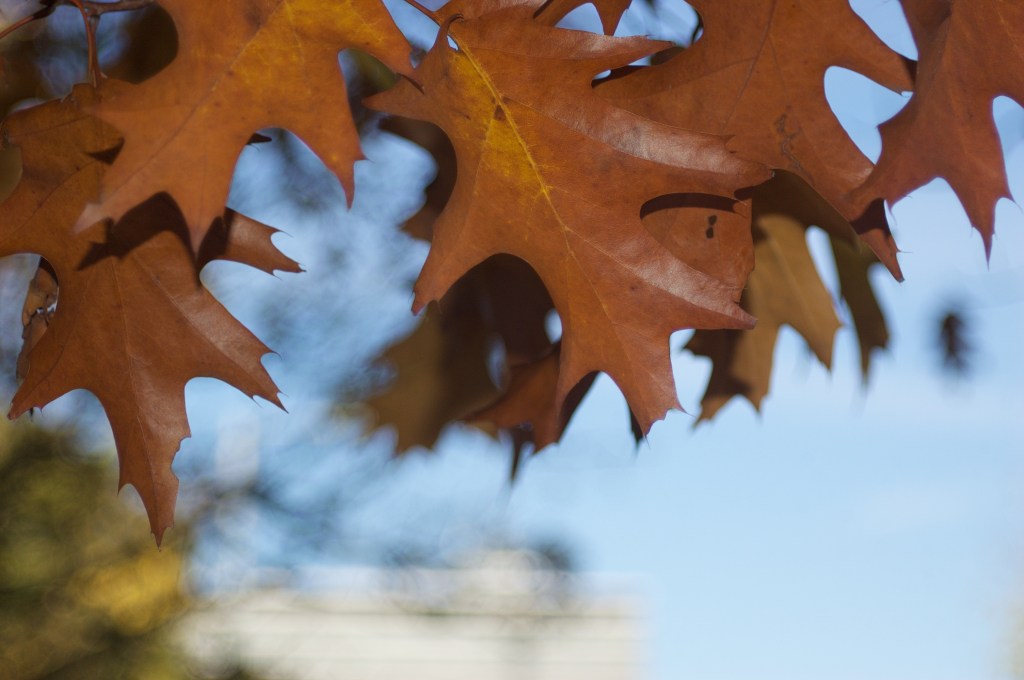
The Auto program seems to “know” that the leaves need a little burst of light from the pop-up flash to get a well exposed photo.
So what can we take away from this experiment? Leaving the camera on Auto allows us to focus, pun intended, on the subject matter and composition. In the meantime being reasonably confident that everything else will be taken care of. We should not regard this setting as a beginners setting. Far from it!
The next setting that I will be considering in a future post will be Portrait mode.
 arhphotographic