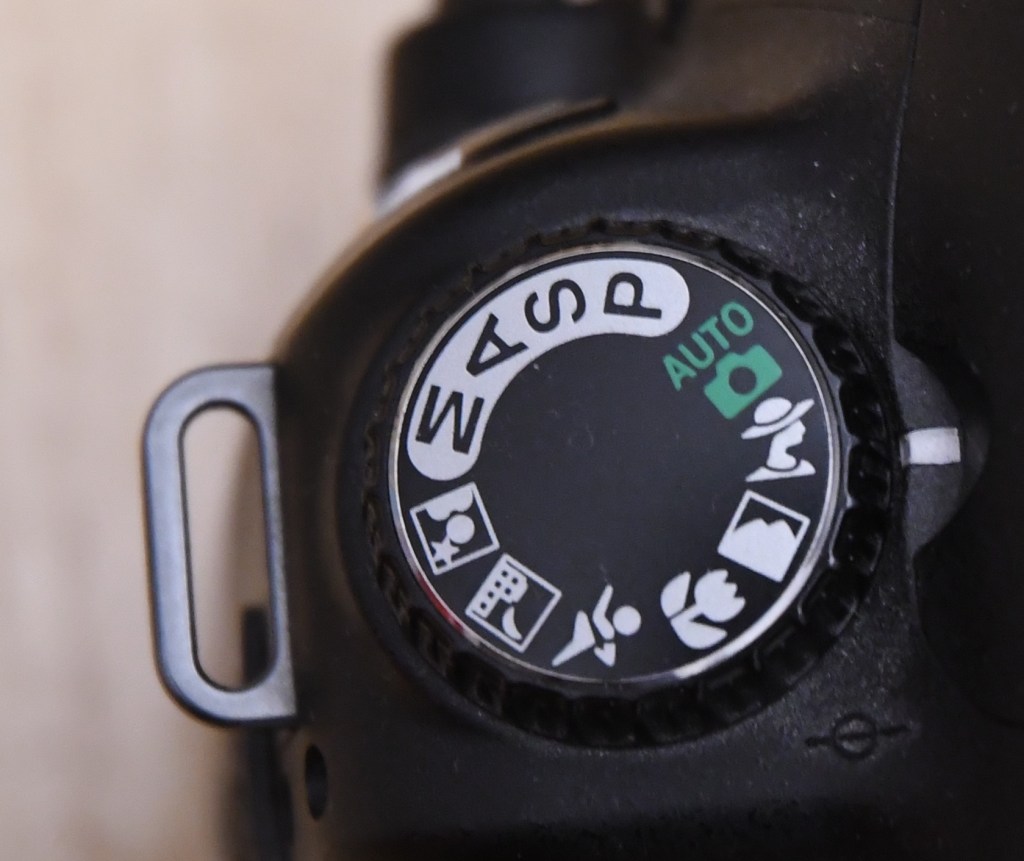
This is the second instalment in the series in which I will be looking at the scene modes that appear on many digital cameras. The picture above shows we have selected what is called ‘portrait mode’ which is what we choose if we want to take …a portrait. But what does the camera do and why could this be a good option for us to consider?
The problem was, I had no subject to pose for me. What I did have though was a walk in my local patch. How could I use this mode to see what it does?
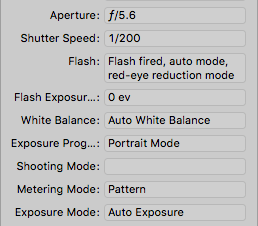
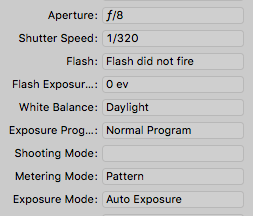
What I have done is taken a series of photos, one with portrait mode selected and another with the camera on program mode, which was discussed previously. Under each photo you can see the most important pieces of information that help to see what the camera is doing with each mode.
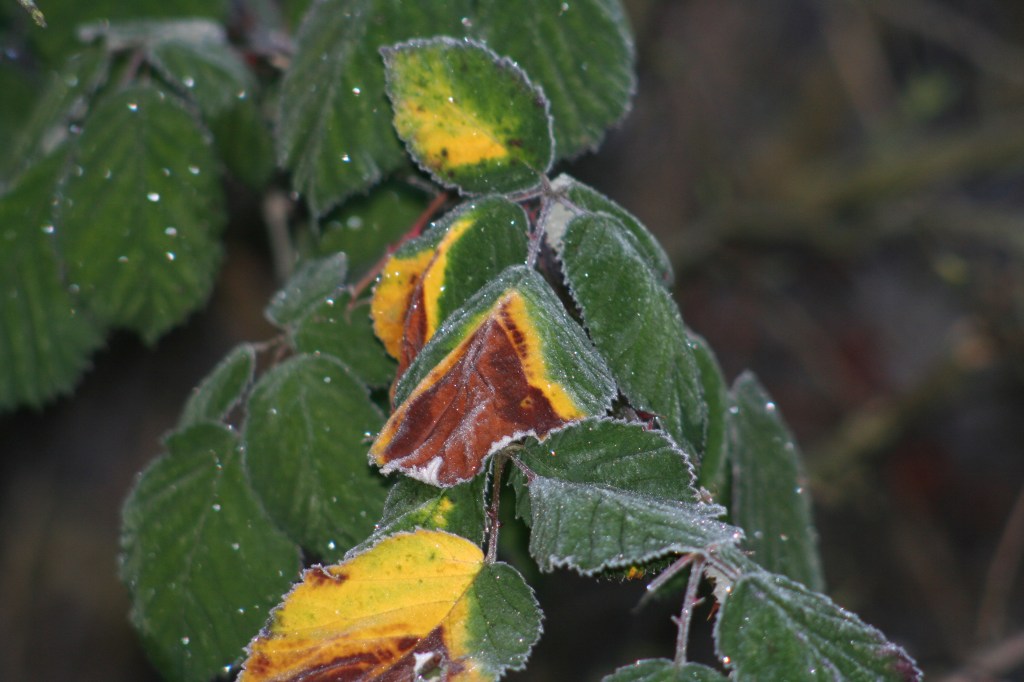
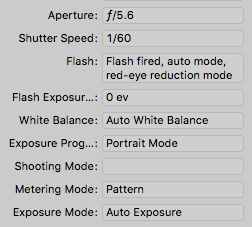
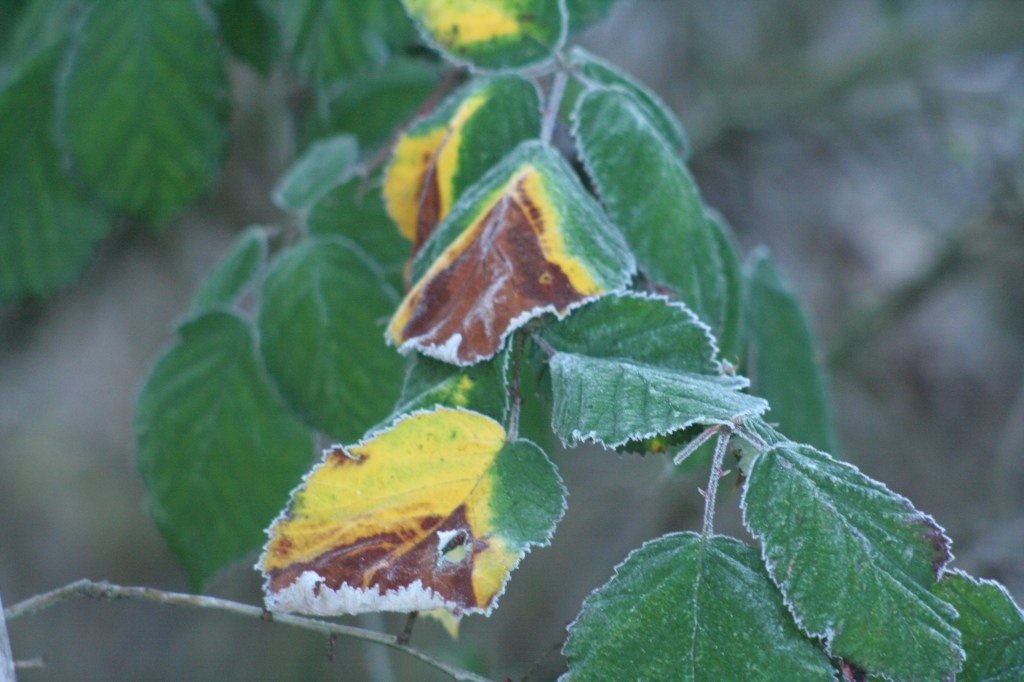
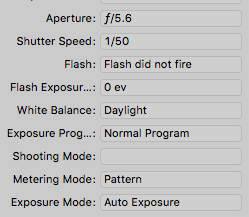
Looking at the information for the two shots above, the only difference seems to be that in portrait mode a faster shutter speed has been used along with a burst of flash. But what a difference in the two shots! The 1/60 shutter speed would reduce the exposure and hence make it dark, while the flash would ‘lift’ the subject out.
Let’s take another example.
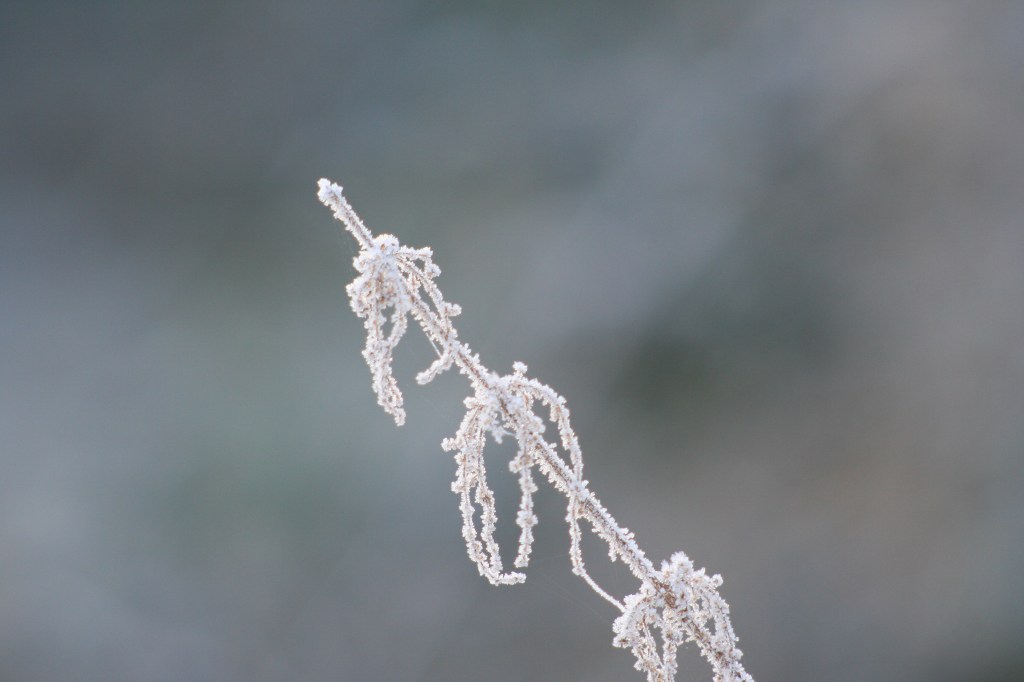

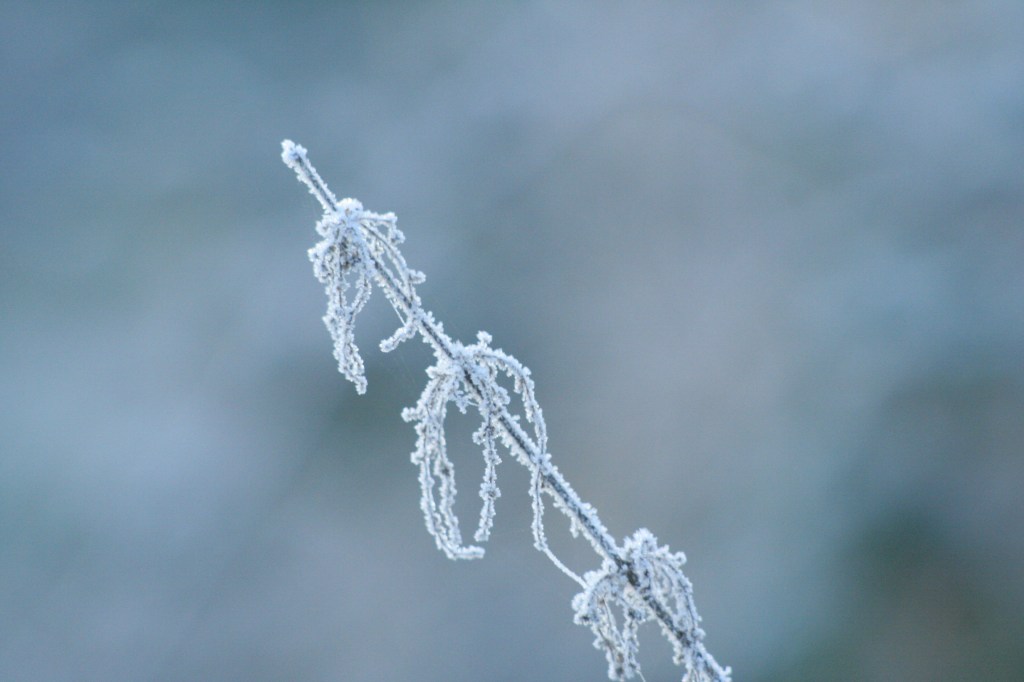

In the above example, and the one to follow, both the shutter speed and aperture are different. By choosing a larger aperture, smaller f number, portrait mode attempts to make the background more blurred, thus helping to separate your subject and make it stand out. The use of flash and subsequent choice of white balance would enhance a persons skin tones, making them more natural.
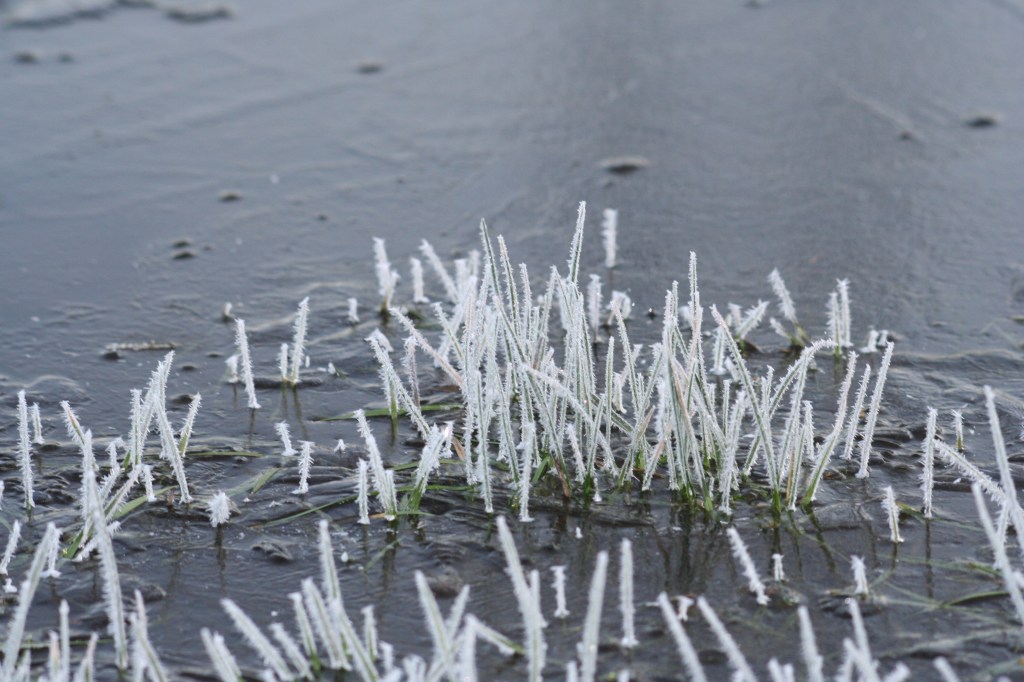

So putting the camera in portrait mode is a good choice when we have a portrait to take. This is true for both people and nature. The camera seems to make all the right decisions to enhance a portrait. This frees us to explore our subject confident that the camera does the rest.
 arhphotographic